Camera Setup
Every angle is measured from what the camera sees, so where you put it matters as much as the swing. A minute of setup gives you numbers you can trust.
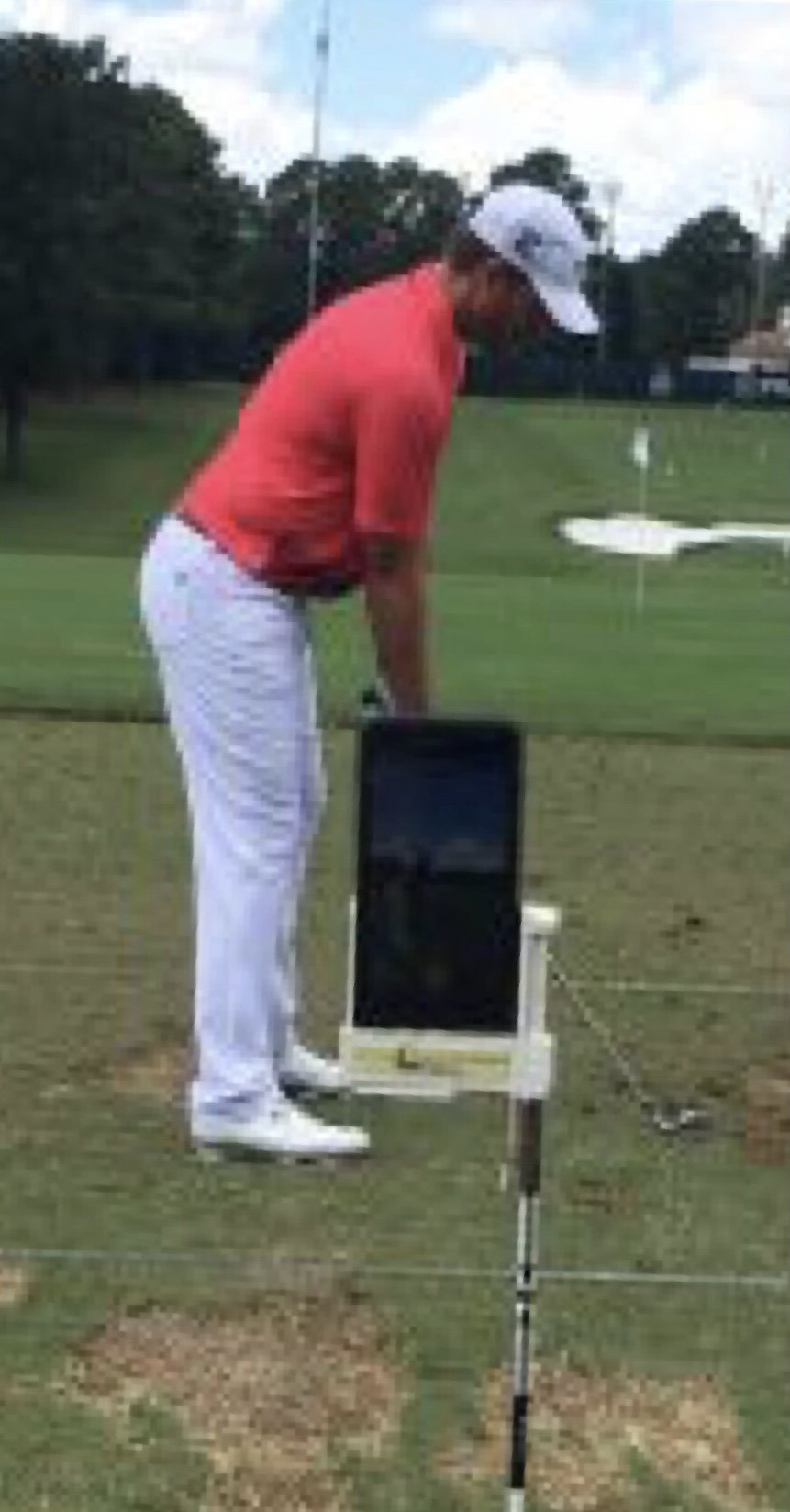
- 1
Line. Lay an alignment stick on the ground pointing at the target, along your feet line or just inside the ball line. Put the camera directly behind that stick, so the stick runs straight up the middle of the screen toward the target. Look straight down the target line, not angled in from the side.
- 2
Aim point. Camera lens in line with your hands at address, about between the feet line and the ball.
- 3
Height. Lens at about hand height at address: 3 to 4 ft (about 1 to 1.2 m) off the ground, roughly waist high.
- 4
Distance. About 10 to 12 ft (3 to 3.5 m) behind the ball. Indoors, get as far back as the bay allows.
- 5
Framing. Stand far enough back to fit whole body (head to feet) in frame for tracking to work. Leave room above your head for the club at the top. You should fill about two-thirds of the screen height.
Check the camera is level
Put your phone or iPad on its stand where it will film, then tap Start. It turns green when it is within ±2° of straight up and side to side.
Why a level camera matters
Angles are measured against the screen's up-and-down direction. If the camera leans left or right, forward bend, spine tilt and the head readings shift by about the same number of degrees. If it tips up or down, or is set too high or low, the body looks shorter or longer at the top and bottom, which changes the angles. That's why we use hand height and a level camera.
Setup checklist
- Tripod or stand (not hand-held)
- Camera level
- Lens at hand height
- 10 to 12 ft away
- Whole body in frame, head to feet
- Good light, no strong light behind you
- Right view chosen in the app (Down the Line or Face On)